
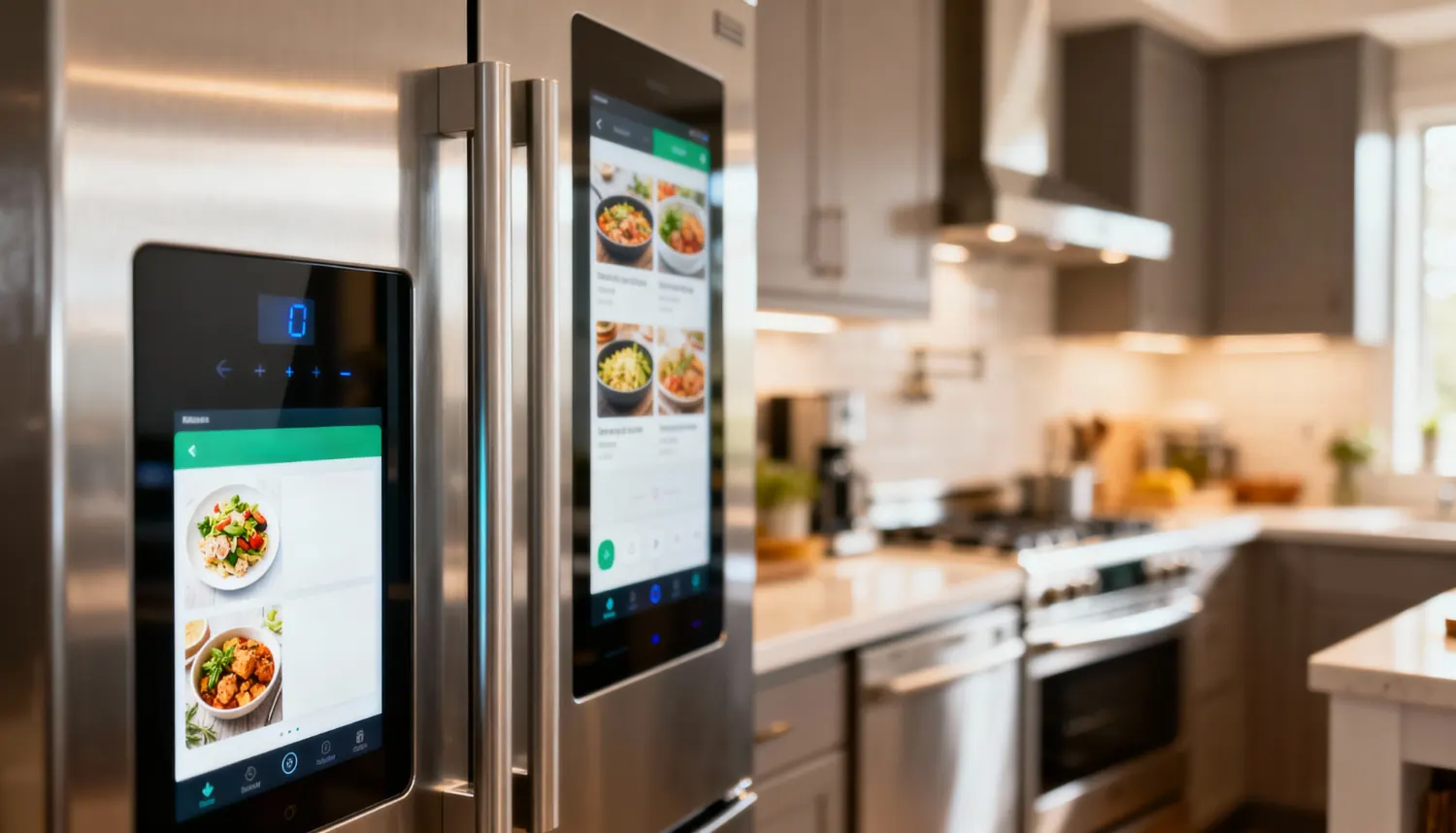
A hotel or lodge earns from two places: rooms and the restaurant and bar. They are usually run on different notebooks, which makes a guest's final bill a headache. A hotel POS system puts them on one bill.
The restaurant and bar side
Waiters open tabs for tables and send orders to the kitchen and bar screens. The cashier takes payment and issues the receipt. This is your hotel restaurant management system and hotel food and beverage software, with numbered bills and stock for each item.
The rooms side
Each room has its type, floor, beds, how many it sleeps, price per night, the things in the room and a photo. Book a guest by choosing them from your leads or customers, or add a new guest. Give the dates and the price per night, and take an advance if they pay one. The rooms board shows which rooms are free, occupied or arriving.
Charge to room
A guest can put a restaurant or bar tab on their room instead of paying at the table. The waiter or cashier picks the checked-in guest, and the tab moves to the room bill.
Check-out
At check-out the cashier opens the guest's bill, which has the nights, any extras such as laundry, and everything charged to the room. An advance paid earlier is taken off. The cashier confirms the payment and the guest gets one receipt.
Roles
Cashiers and managers handle bookings and check-in. Waiters handle the restaurant. The kitchen and bar see only orders. The owner or manager adds and edits rooms.
Why one bill is better
When rooms, meals and drinks are tracked on different notebooks, the final bill is built from memory and the guest argues about each line. With one system, everything the guest used is on one account. The owner also sees at a glance how much the rooms earned and how much the restaurant and bar earned.
An example: a lodge in Mombasa
A small lodge in Mombasa has ten rooms and a restaurant. A guest books Room 4 for three nights at KES 6,000 a night as an example, and pays an advance of KES 5,000 by M-Pesa, which is kept on their account. On the second evening they eat in the restaurant. The waiter opens their tab, and instead of paying at the table the guest asks to put it on the room. The cashier picks the checked-in guest and the tab moves to the room bill.
At check-out the bill shows three nights, laundry added as an extra and the dinner. The advance is taken off, the guest pays the rest and receives one receipt.
Checklist for a hotel or lodge
- Every room added with its price, beds, sleeps and a photo.
- Restaurant and bar items set up with stock.
- Cashiers know how to charge a tab to a room.
- Advances recorded with method and reference.
- Check-out done through the guest's bill.
Common mistakes to avoid
- Settling the restaurant separately. Charge to room keeps one bill for the guest.
- Not entering the advance. The guest then pays it twice or argues about it.
- Forgetting extras like laundry. Add them on the booking page.
- Expecting online travel site bookings. You enter bookings yourself.
Questions
Do I need the Pro package? Rooms come with Pro. The restaurant and bar side comes with Business and above.
Can a guest stay longer than booked? Yes. Extra nights are added automatically.
Can I take bookings from online travel sites? No. Afritelligence manages the bookings you enter.
Who can add rooms? The owner or manager. Cashiers can view.
Packages
Rooms come with the Pro package. The restaurant side with tables, tabs and kitchen and bar screens comes with the Business package and above. See the prices.
What it does not do
Afritelligence manages bookings you enter. It does not connect to online travel sites or channel managers.
Read more about the hotel POS system, or see the restaurant management system in Kenya.
Run your shop on Afritelligence
POS with M-Pesa, stock, suppliers, credit and intelligent Insights — on the phone or computer you already have.
Sign up free