
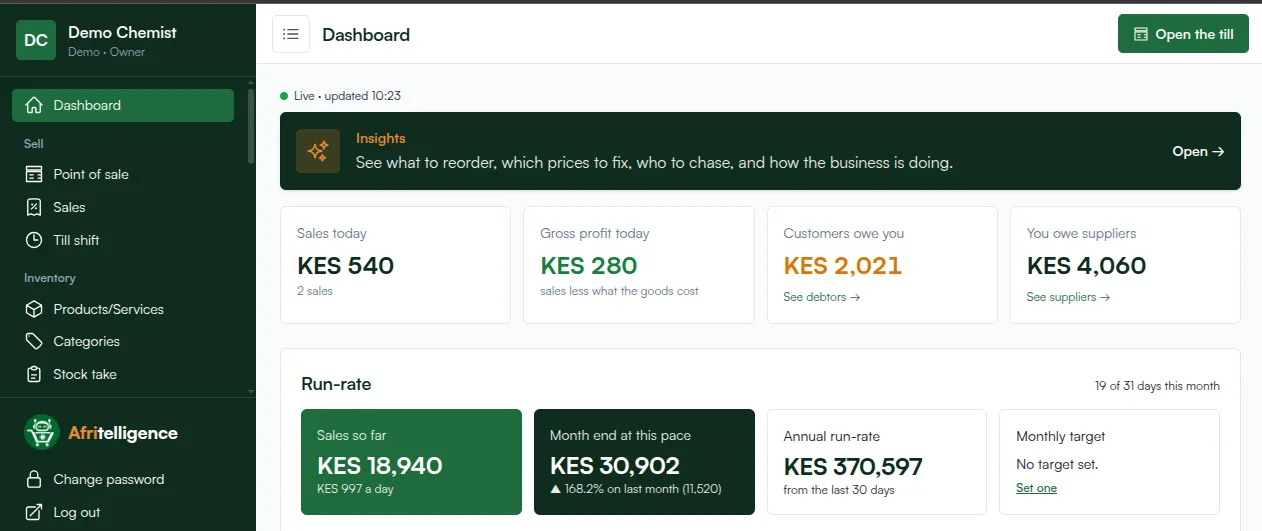
This guide covers everything a chemist or pharmacy owner in Kenya needs to know about a pharmacy POS system: what it is, what it must do, how to set it up and how to use it to protect your profit.
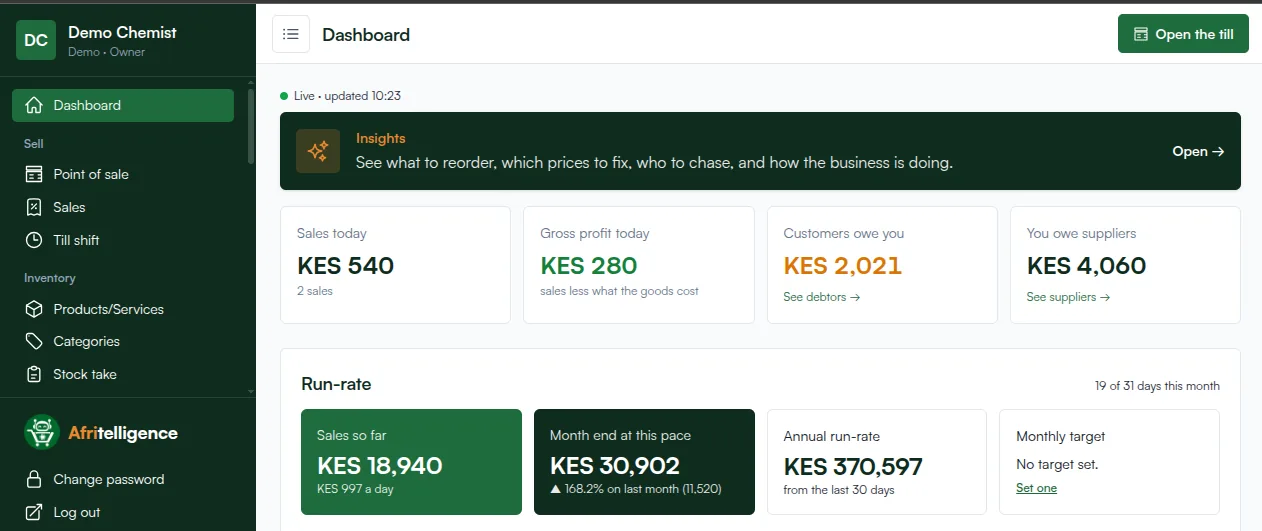
What is a pharmacy POS system?
A point-of-sale (POS) system records every sale at your counter. A pharmacy POS adds what medicines need: batch numbers, expiry dates, prescription-only flags and generic names. Together with stock, purchases, customers and reports, it becomes the system you run the whole chemist on.
The core features
Selling at the counter
- Search by brand or generic name, or scan the barcode.
- Prescription-only (POM) items flagged before they are sold.
- Payments by M-Pesa (with the transaction code), cash, card or a mix on one sale.
- Credit for regular customers, with a limit and a statement.
- Receipts with your KRA PIN and VAT worked out for you.
Stock and expiry
- Batch number and expiry date recorded on every delivery.
- The earliest-expiring batch sold first; expired batches can't be sold.
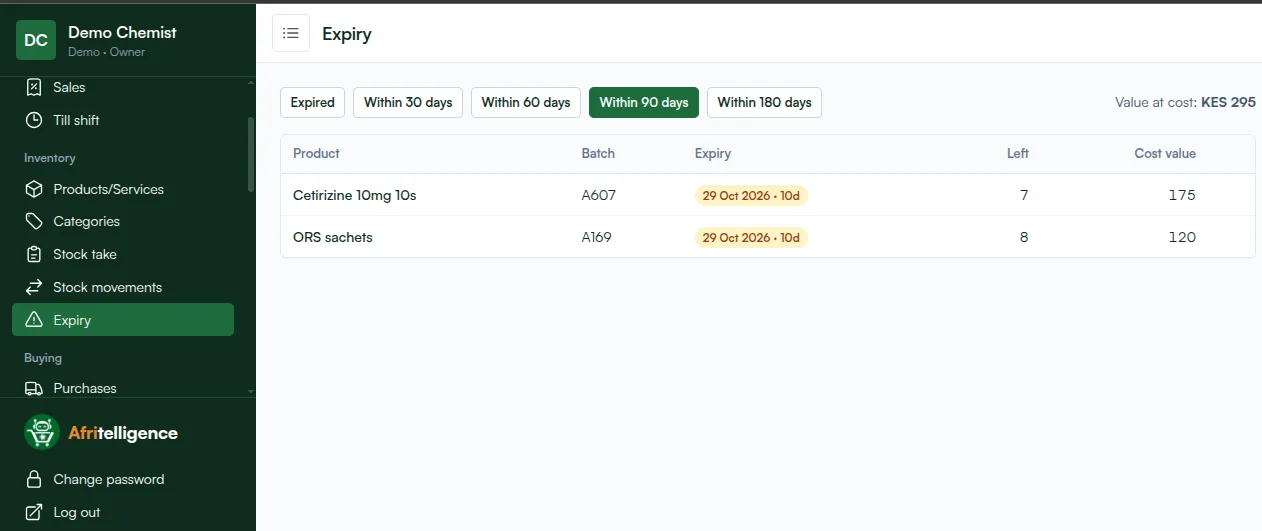
- An expiry list for the next 30, 60, 90 or 180 days, with cost value.
- Stock takes that show the gap between the system and the shelf.
- Reorder suggestions from what actually sells.
Buying
- Purchases from suppliers, with cost updates on every delivery.
- What you owe each supplier and when you paid.
Money and reports
- Sales, gross profit and expenses every day.
- What customers owe you and what you owe suppliers.
- Daily VAT totals for your tax return.
How to set up a pharmacy POS (step by step)
- Sign up and choose Pharmacy as your type of business. Batches and expiry are switched on for you.
- Add your categories: for example pain relief, antibiotics, allergy, rehydration and supplies.
- Add your products with price, cost and generic name. Tick prescription only where it applies.
- Enter opening stock with the batch number and expiry date of what is on the shelf now.
- Add your suppliers and record the next delivery as a purchase.
- Add your cashier with their own login, so every sale shows who made it.
- Open the till and start selling.
Getting the most out of it
- Check the expiry list every week.
- Do a stock take every month, or every week for fast movers.
- Review the reorder list before you call your supplier.
- Look at gross profit, not only sales, to see which products pay.
How to choose
Ask for a demo with your own products. Check that batches and expiry are built in, that M-Pesa and credit work on one sale, that you can use your own phone and that you can see your numbers away from the counter.
Afritelligence is a pharmacy POS system in Kenya built for Kenyan chemists. see the prices, or read about batches and expiry tracking.
Pharmacy POS versus a general shop POS
| General shop POS | Pharmacy POS | |
|---|---|---|
| Batch numbers | No | On every delivery |
| Expiry dates and alerts | No | Yes, 30 to 180 days ahead |
| Earliest expiry sold first | No | Yes |
| Prescription-only flag | No | Yes |
| Generic names | No | Yes |
| M-Pesa and credit | Usually | Yes |
Common questions
How long does it take to set up?
A small chemist can be selling the same afternoon; adding every slow-moving product can take a few days.
Can I import my products from Excel?
Yes. Products can be imported from a spreadsheet with name, price, cost and stock.
Does it handle VAT on medicines?
Yes. Each product has its own tax type, so exempt, zero-rated and standard-rated items are worked out correctly, and the tax report gives daily totals.
Can I sell to clinics on credit?
Yes. Add the clinic as a customer with a credit limit; sales go on their account with a statement and reminders.
Can staff only see their own sales?
Yes. Cashiers see their own work; the owner sees everything.
Run your shop on Afritelligence
POS with M-Pesa, stock, suppliers, credit and intelligent Insights — on the phone or computer you already have.
Sign up free