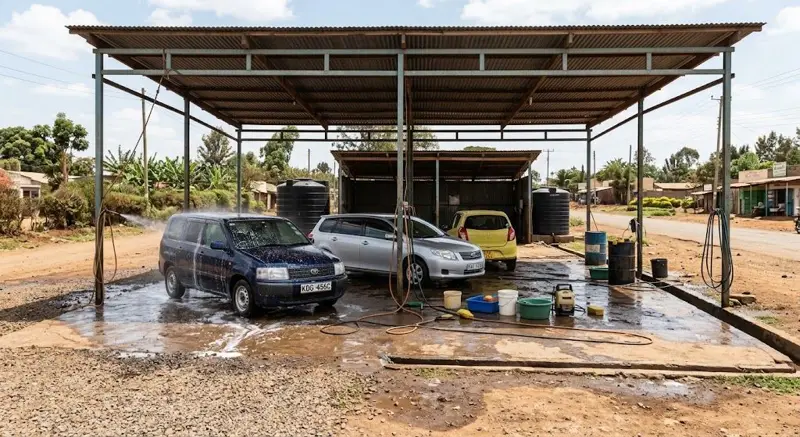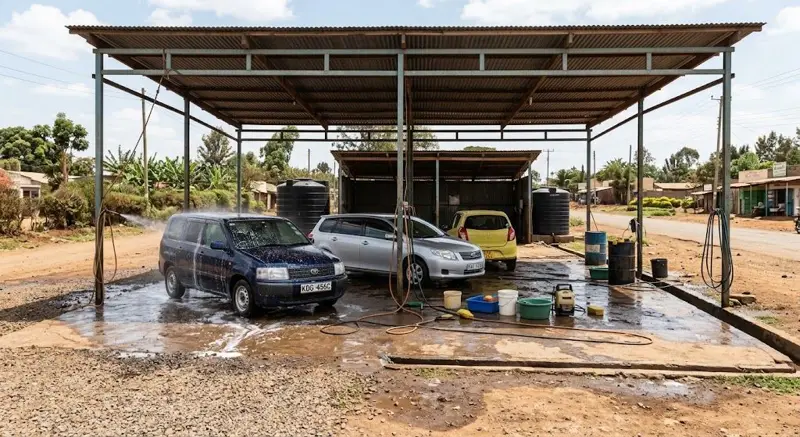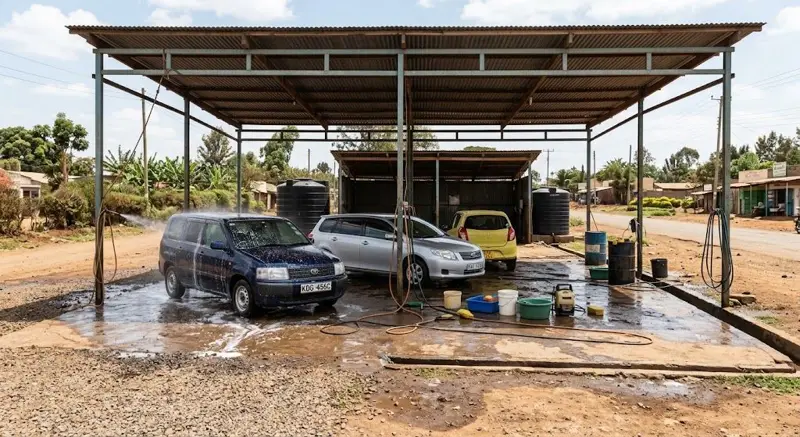
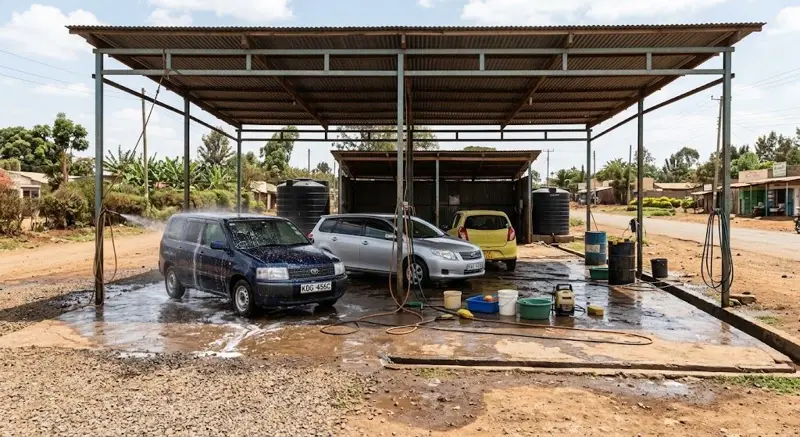
You can move your car wash from a tally book to a car wash system in one afternoon and be ready for Saturday. Here's the order.
1. Create your account (5 minutes)
Sign up and choose Car wash. Plates at the till, washer commission and loyalty switch on.
2. Your washes and prices (15 minutes)
Add each wash as a service with its price, for example:
| Wash | Example price |
|---|---|
| Body wash | KES 300 |
| Body and interior | KES 500 |
| Engine wash | KES 400 |
| Full valet | KES 1,500 |
Use your own prices.
3. Products (15 minutes)
Add what you sell at the counter (air fresheners, polish, wipers) with price, cost and stock.
4. Washers (10 minutes)
Add each washer with their rate: a percentage or a flat fee per car.
5. Loyalty (2 minutes)
Choose the free wash, for example every 6th.
6. Payments
Decide who takes payment: one attendant at the till is best. They record the M-Pesa code on every M-Pesa payment.
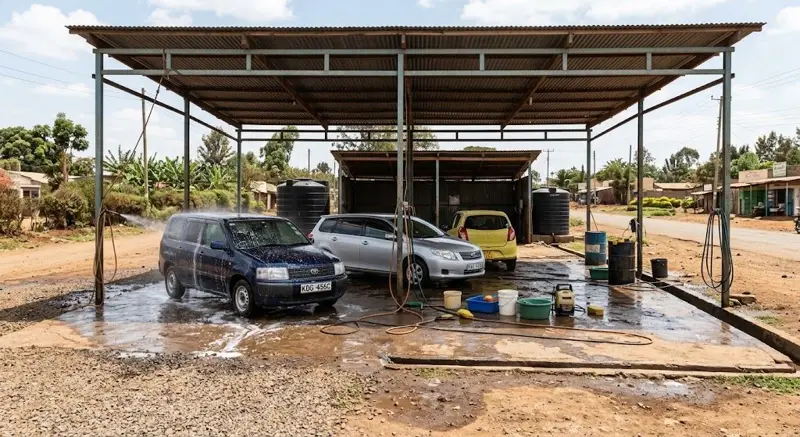
7. Your first busy day
- Plate first, every car.
- Pick the washer on every wash.
- At night, compare the cash in the drawer with the day's cash total.
- Look at the day's washes, sales and washer earnings on your phone.
The first week
Compare your daily totals with what you expected. Most owners find more washes recorded, and cash that finally matches.
Afritelligence is the car wash software in Kenya used in this guide. see the prices.
Frequently asked questions
Can I change prices later?
Yes. Edit the wash; new sales use the new price.
What if the internet drops?
Sales need a connection to be saved; phone data works as a backup when Wi-Fi drops.
Can I have more than one attendant?
Yes. Each attendant gets their own login, and each sale shows who took it.
Do I need a receipt printer?
No. Receipts can be shared as a link; add a Bluetooth printer later if you want.
How do I check the day's money?
Open the payments report: it shows the day's takings by cash, M-Pesa and card.
Run your shop on Afritelligence
POS with M-Pesa, stock, suppliers, credit and intelligent Insights — on the phone or computer you already have.
Sign up free