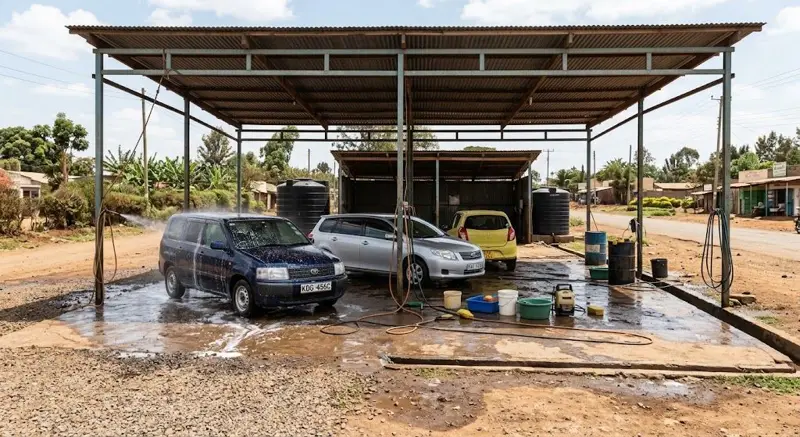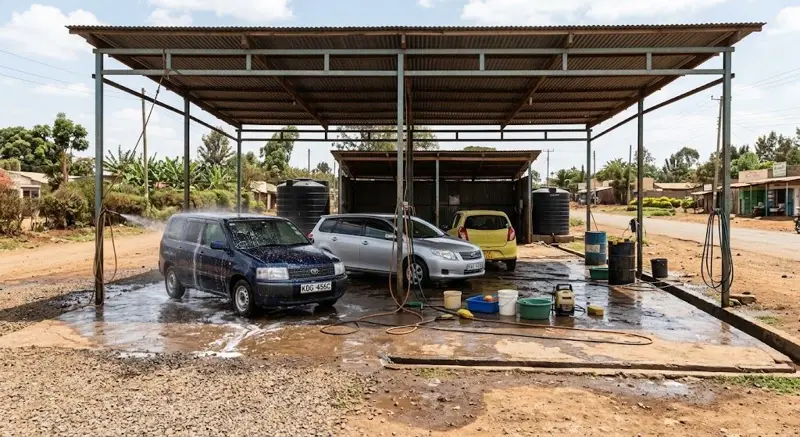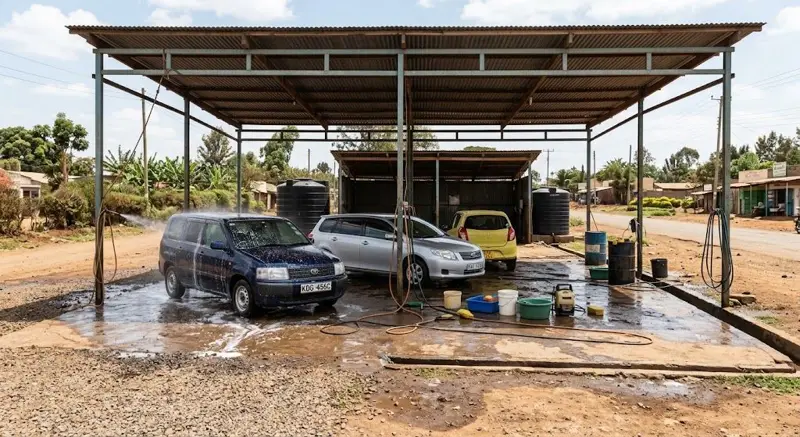
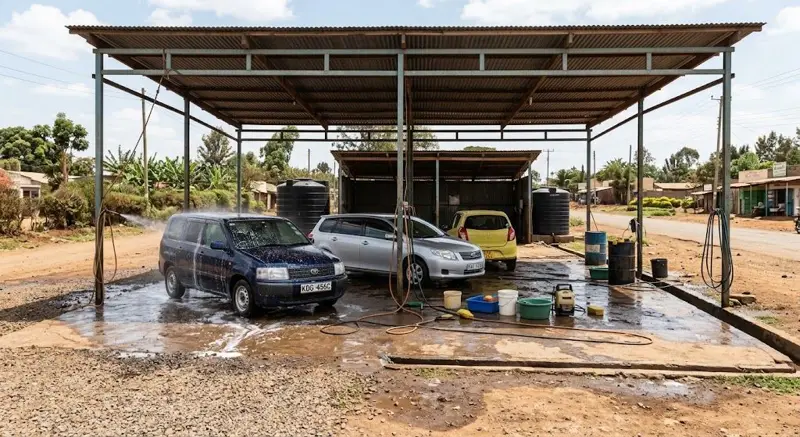
A car wash management CRM turns one-off washes into regular customers. Here is how to set it up so it works on a busy day.
Step 1: capture the plate every time
Make the number plate the first thing typed at the till. Even without a name, every visit builds the car's history.
Step 2: add names and phones for regulars
When a regular comes in, add the owner's name and phone to their plate. Now you can thank them, remind them and offer them deals.
Step 3: set the loyalty rule
Choose your rule, for example the 6th wash free. Tell customers about it at the till; it's the simplest reason to come back.
Step 4: open fleet accounts
For taxi fleets and companies: add the company as a customer, set a credit limit and record their washes on account. Send one statement a month.
Step 5: record bigger jobs as leads
Detailing, upholstery cleaning, ceramic coating and fleet contracts start as enquiries. Record each as a lead with a follow-up date and send a quote.
Step 6: follow up
Each morning, look at today's follow-ups. Call or message the customer, and log what happened.
Step 7: review monthly
- Regular customers this month.
- Customers who haven't come for 30 days.
- Fleet balances owed.
- Leads won and lost.
Common mistakes
- Skipping the plate on busy days.
- Loyalty rules nobody tells customers about.
- Fleet accounts without credit limits.
- Leads without follow-up dates.
Afritelligence includes this CRM inside its car wash software in Kenya. see the prices.
Frequently asked questions
How long does the set-up take?
About an hour; customers and plates then build up as cars come in.
Should I collect phone numbers?
For regulars, yes, with their permission, so you can thank them and tell them about offers.
Can I quote for detailing jobs?
Yes. Send a quote from the lead; when they agree it becomes a sale.
Can I put a limit on fleet credit?
Yes. Each account has its own credit limit.
What if a regular changes cars?
Add the new plate to the same customer; both histories stay with them.
Run your shop on Afritelligence
POS with M-Pesa, stock, suppliers, credit and intelligent Insights — on the phone or computer you already have.
Sign up free