
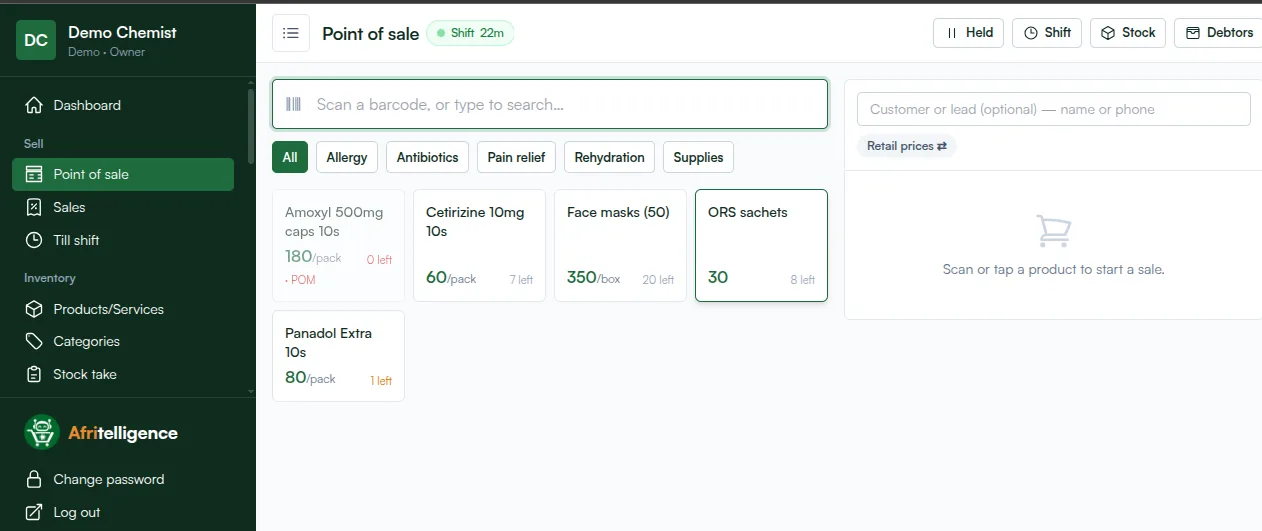
Moving a chemist from a notebook to a chemist POS system sounds like a big job. It doesn't have to be. With the right order, a small chemist in Kenya can be selling on the new system the same afternoon. Here is the order that works.
Before you start: what to have ready
- Your price list (even a handwritten one).
- Your suppliers' names and phone numbers.
- A phone, tablet or laptop with internet. A barcode scanner and receipt printer are optional.
Step 1: create your account (5 minutes)
Sign up and choose Pharmacy as your type of business. Batch and expiry tracking switch on automatically, and the till is ready.
Step 2: categories (10 minutes)
Group what you sell into a few clear categories, for example:
- Pain relief
- Antibiotics
- Allergy
- Rehydration
- Supplies (masks, gloves, cotton)
Categories become quick filters at the till, so cashiers find items faster.
Step 3: products (1 to 2 hours)
Add each product with:
- Name as customers ask for it (e.g. Panadol Extra 10s),
- Generic name (e.g. paracetamol),
- Unit: pack, box, bottle or tablet if you sell loose tablets,
- Selling price and cost price,
- Prescription only ticked for POM items.
Start with your fast movers. You can add slow movers as they sell.
Step 4: opening stock with batch and expiry (1 hour)
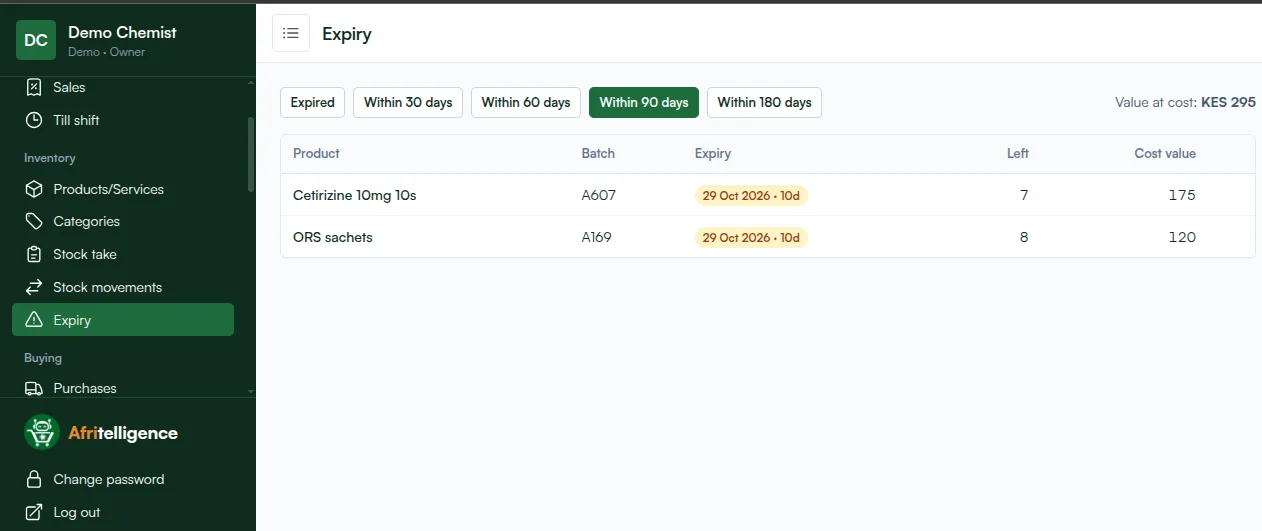
For each product, enter how much you have now, with the batch number and expiry date on the box. If you hold two batches, enter both. This is the step that unlocks expiry alerts.
Step 5: suppliers (10 minutes)
Add your suppliers. From now on, record each delivery as a purchase: quantity, cost, batch and expiry. What you owe each supplier is tracked for you.
Step 6: staff (5 minutes)
Give your cashier their own login. Each sale then shows who made it, and the cashier sees only what they need.
Step 7: sell
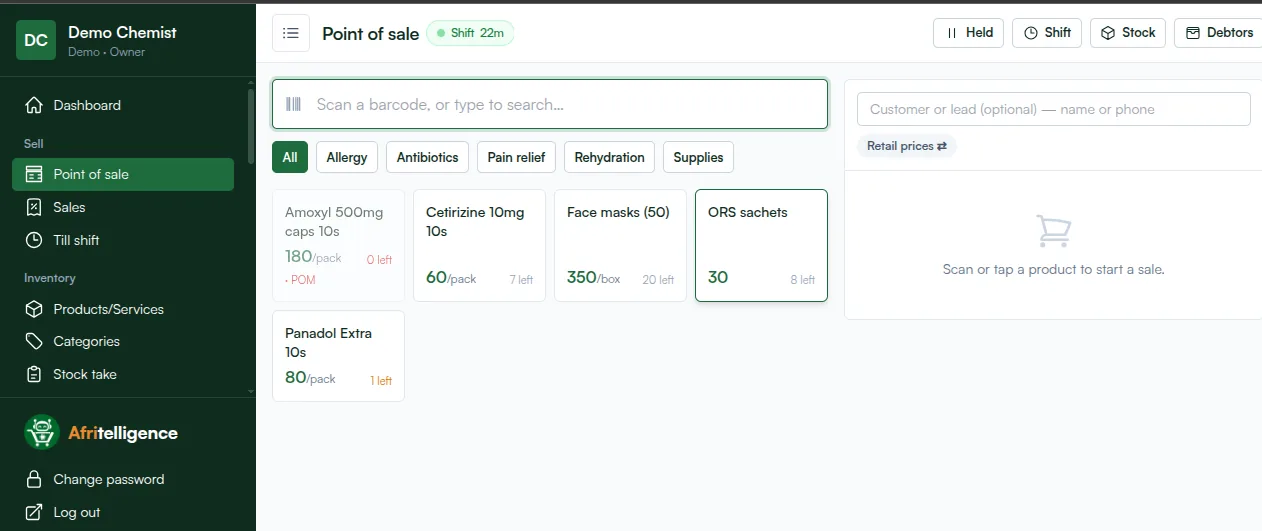
Open the till, count the opening float and start selling.
The first week
- Day 1 to 3: watch every sale, fix any wrong prices.
- Day 4: receive your first delivery through Purchases.
- Day 7: look at your dashboard and the expiry list.
Afritelligence is the pharmacy POS system in Kenya used in this guide, from KES 700 a month with no machine to buy. see the prices.
Common set-up mistakes to avoid
- Entering cost prices including VAT one time and excluding it another. Pick one way and keep to it, so profit is right.
- Skipping generic names. Staff then can't find alternatives when a brand is out.
- One batch for everything. If you hold two expiry dates of the same product, enter both batches.
- Sharing one login. Give every staff member their own, or you can't tell who made a sale.
Frequently asked questions
Do I need a barcode scanner?
No. Searching by name works well; a scanner just makes busy hours faster.
Can I add products while selling?
Yes. The owner can add a product at any time and it appears at the till straight away.
How do I enter stock I already have on the shelf?
Enter it as opening stock on each product, with the batch number and expiry date printed on the box.
Can I change prices later?
Yes. Edit the product; new sales use the new price and old receipts keep the old one.
What if I make a mistake on a sale?
Owners and managers can void or return a sale; the stock goes back and the record is kept.
Run your shop on Afritelligence
POS with M-Pesa, stock, suppliers, credit and intelligent Insights — on the phone or computer you already have.
Sign up free