A chemist is not a normal shop. Medicines expire, some can only be sold on prescription, prices change with every delivery and customers pay with M-Pesa, cash, card and sometimes on credit. A general shop till will record the sale, but it won't protect you from the losses that are special to a pharmacy. Here are the nine things a pharmacy POS in Kenya has to do before you trust it with your counter.
1. Batch numbers and expiry dates on every delivery
Every box of amoxicillin or paracetamol that comes in has a batch number and an expiry date. Your POS should ask for both when you receive the stock, not later. Once each batch is recorded, the system knows exactly how much of each batch you hold and when it expires.
2. The earliest-expiring batch sold first
Pharmacists call it FEFO: first expiry, first out. When the cashier sells a pack, the POS should take it from the batch that expires soonest, so older stock moves before newer stock. Done by hand, this depends on how the shelf was packed. Done by the system, it happens on every sale.
3. Expired stock that can't be sold by mistake
An expired batch should drop out of what is available to sell. If a customer asks for an item and the only stock left has expired, the till should say so instead of selling it. This protects your customers and your licence.
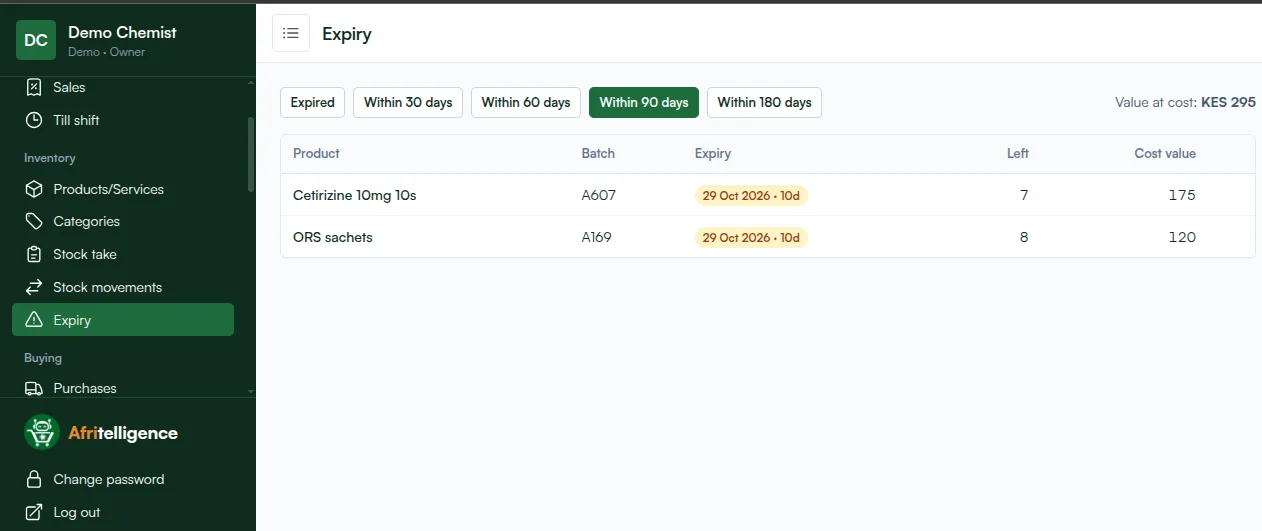
4. An expiry list you actually look at
You need one screen that shows what expires within 30, 60, 90 or 180 days, with the batch, the quantity left and what it cost you. With that list you can put near-expiry stock in front, return it to the supplier while you still can, or write it off cleanly.
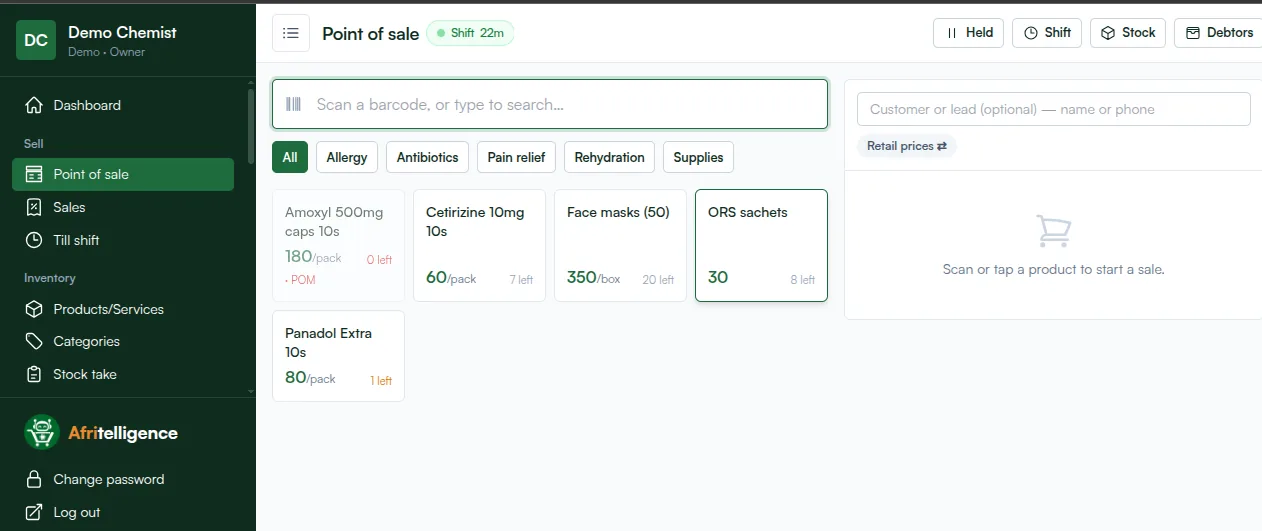
5. Prescription-only medicines flagged at the till
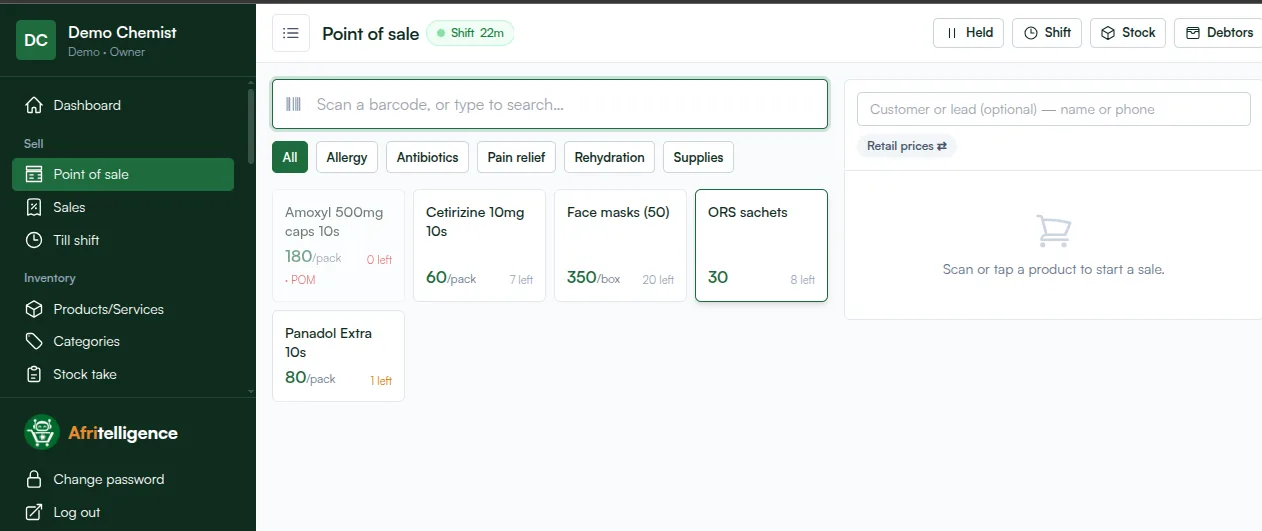
Antibiotics and other prescription-only medicines (POM) should be marked so the cashier sees the flag before selling. It is a reminder to ask for the prescription, and it shows staff which products need the pharmacist.
6. Generic names next to brand names
Customers ask for "Panadol", doctors write "paracetamol". Saving the generic name on each product lets staff find the right item by either name and suggest an alternative when a brand is out of stock.
7. M-Pesa, cash, card and credit on one sale
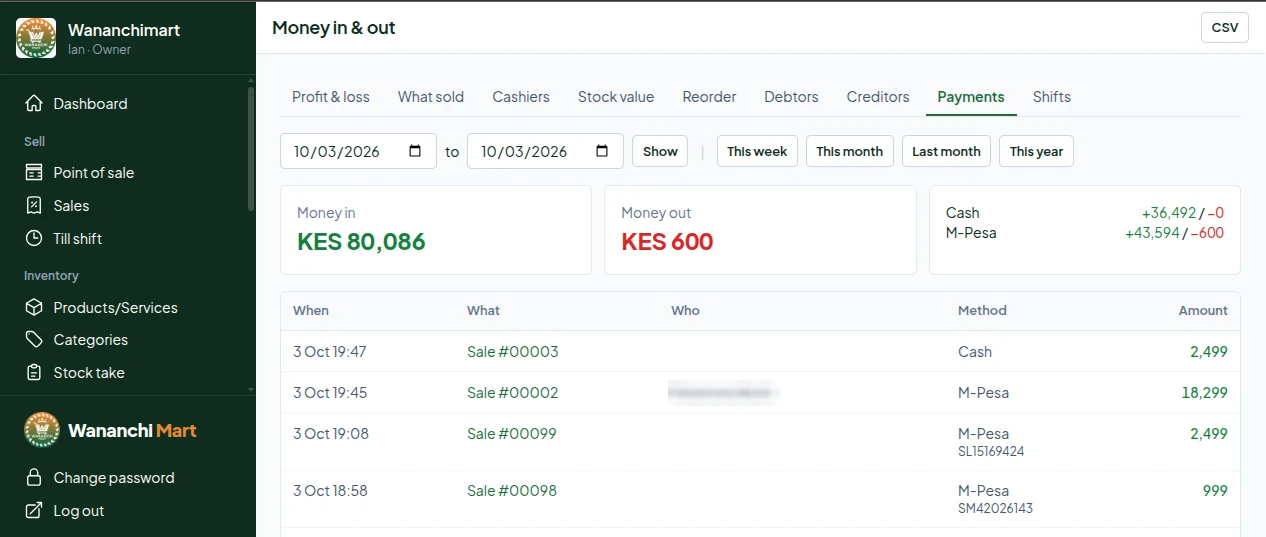
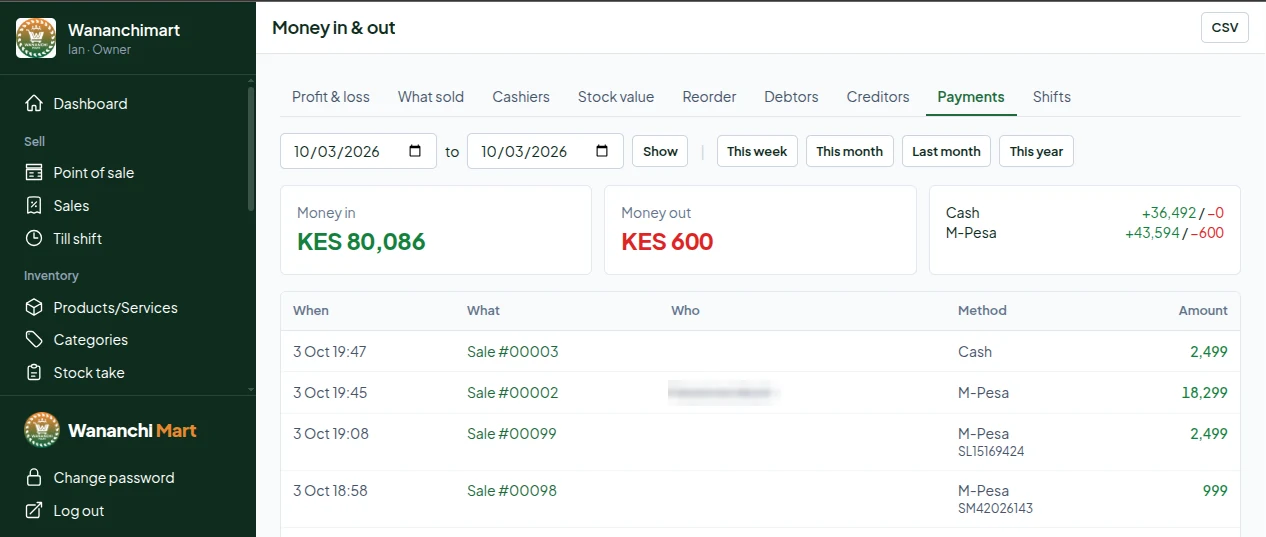
Most Kenyan chemists take M-Pesa first. The POS should record the M-Pesa code with the sale, take split payments (part M-Pesa, part cash) and put the balance on a regular customer's account with a credit limit. At the end of the day you should see what came in by each method.
8. Stock you can trust
Every sale, delivery, return and write-off should move stock in a ledger. Then a stock take shows you the difference between the system and the shelf, and you can see when and where the gap opened. Reorder suggestions based on what actually sells keep you from running out of fast movers like ORS or cetirizine.
9. Profit you can see every day
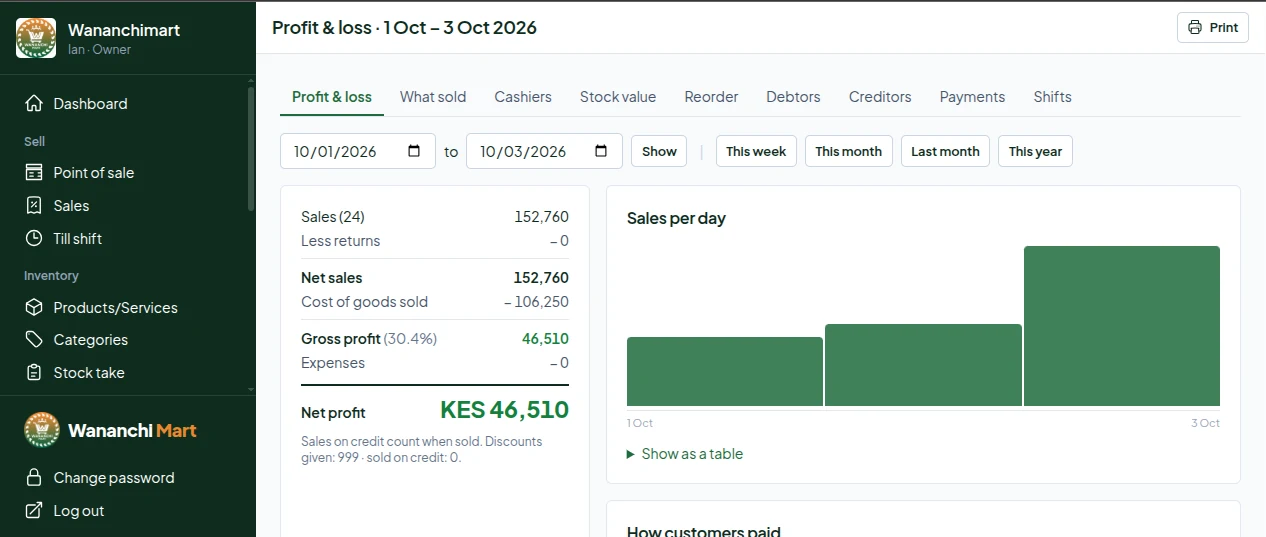
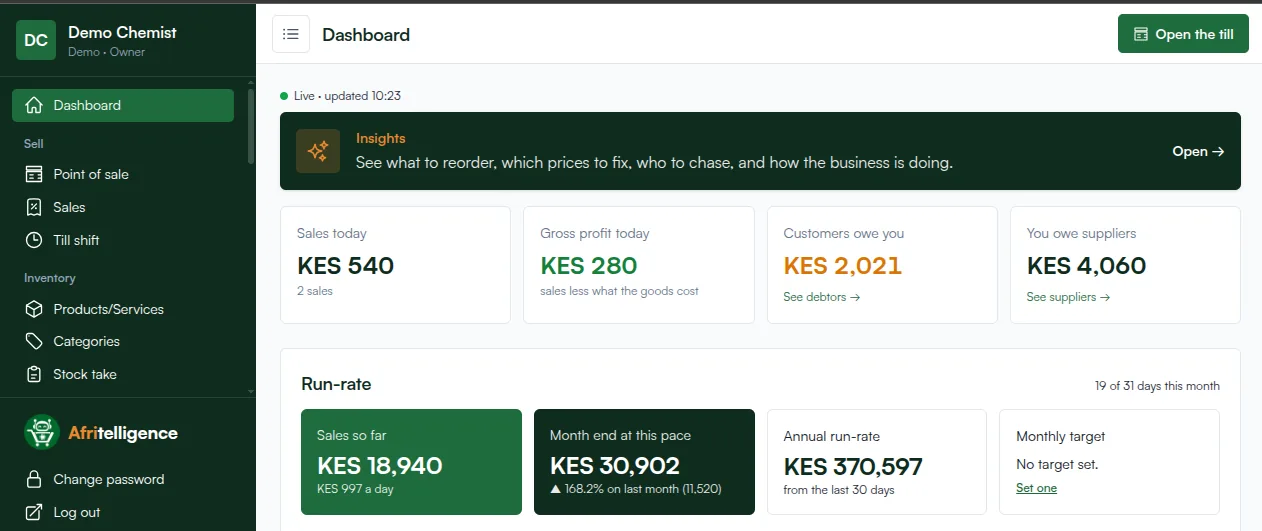
A pharmacy can be busy and still lose money. Your dashboard should show sales, gross profit (sales less what the goods cost), what customers owe you and what you owe suppliers, every day.
Putting it together
Afritelligence is a pharmacy POS system in Kenya that does all nine: batches and expiry on every delivery, earliest-expiry first, prescription-only flags, generic names, M-Pesa and credit, stock takes and a daily profit view. It runs on the phone, tablet or computer you already have, so there is no machine to buy. Start with the small package and see the prices.
Mistakes chemists make when choosing a POS
- Buying a general shop till. It records sales but knows nothing about batches, expiry or prescription-only items, so the biggest pharmacy losses stay invisible.
- Paying for a machine first. A terminal locks you into one counter. Software on your own phone or laptop costs less and keeps working if a device breaks.
- Skipping the set-up. A POS with wrong prices and no opening batches will mislead you. Spend one afternoon entering products, generic names and opening stock properly.
- Not training the cashier. Show staff how to search by generic name, check the POM flag and record the M-Pesa code on every sale.
Frequently asked questions
Can I use a pharmacy POS on my phone?
Yes. Afritelligence runs in the browser and as an app on Android phones, so you can sell, receive stock and see your numbers from the phone you already have.
Does it work for a small chemist run by the owner?
Yes. The small enterprise package is for the owner on their own, with batches and expiry included. Add cashiers on Starter and up.
Can I sell loose tablets?
Yes. Set the unit to tablet and sell any number; stock goes down tablet by tablet.
Does it print my KRA PIN on receipts?
Yes. Your KRA PIN prints on each receipt and VAT is worked out for you.
What happens to expired stock in the system?
An expired batch stops being available at the till and shows on the expiry list, where you can write it off.
Run your shop on Afritelligence
POS with M-Pesa, stock, suppliers, credit and intelligent Insights — on the phone or computer you already have.
Sign up free